Learn step-by-step how to design a basic project PCB from start to finish, with this beginner KICAD workshop and kickstart your PCB manufacturing skills!

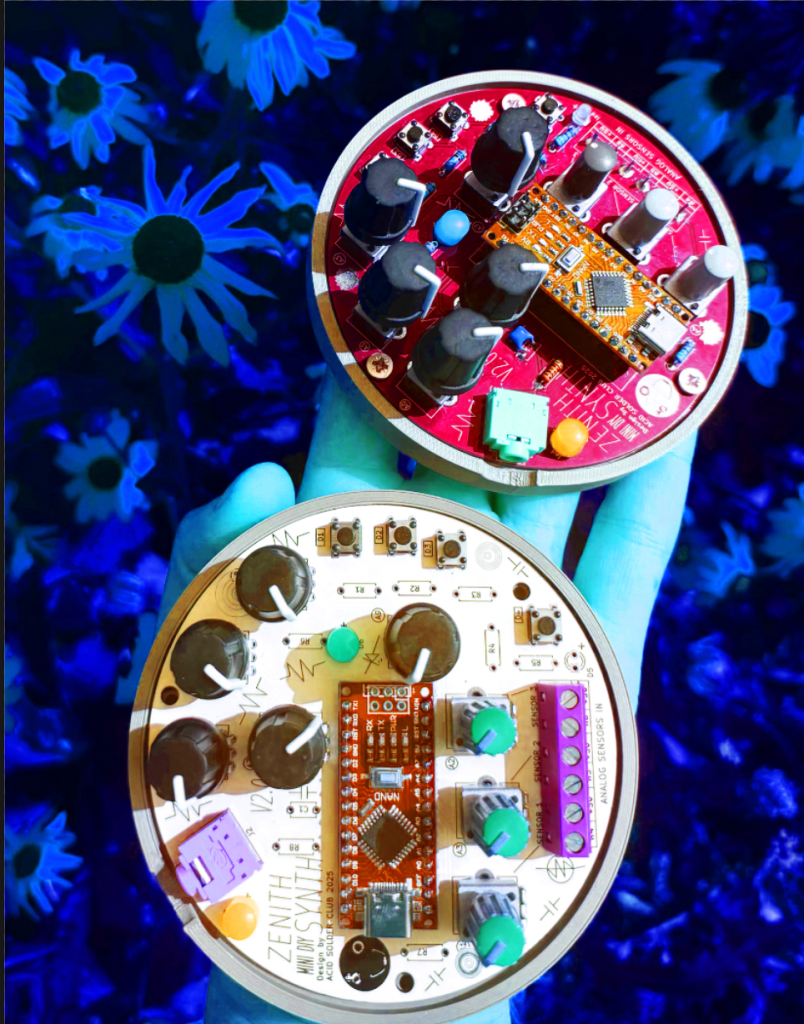
Ever wanted to turn your breadboard experiments into something a bit more solid? In this workshop we explore and follow a step-by-step proces of how to design your own circuit board using KiCad from schematic to PCB layout and ready to order!
Why design your own PCB?
Because it’s satisfying to make something that lasts longer than a breadboard project. 🙂 A PCB keeps your circuits stable, easy to share, and ready to reproduce in case you want to make copies for yourself, friends or to sell them. Whether you order it from a fabrication manufacturer such as JLCPCP or PCBWAY, or try etching it yourself, you’ll understand what’s really happening under the surface and that PCB making is not that difficult at all!
What you’ll learn:
- KICAD software basics, library management, understanding the user interface
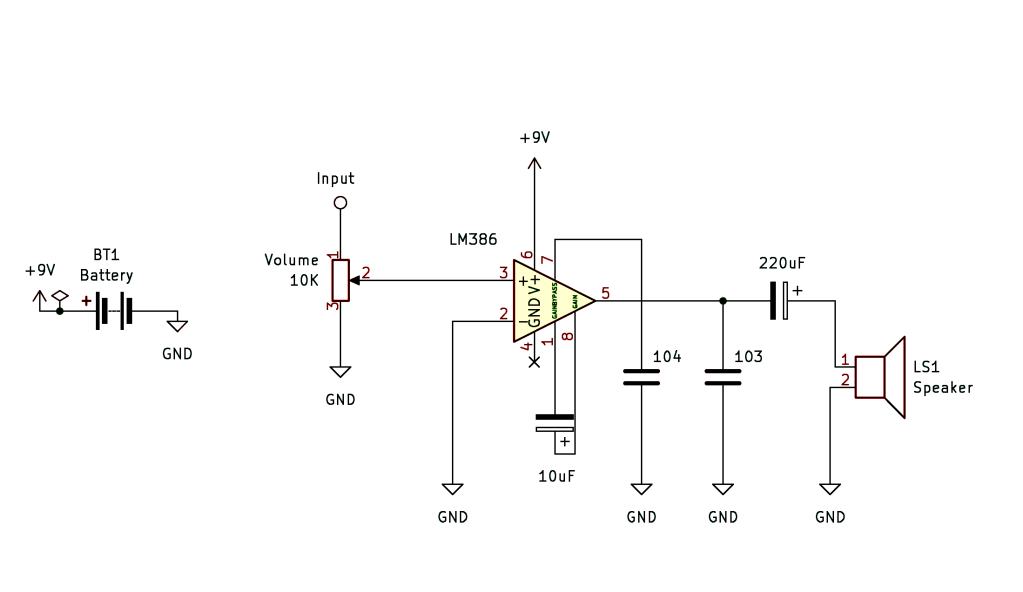
- Building a simple schematic with a 555 timer circuit or oscillator drone circuit
- Linking symbols in the schematic design, to pcb footprints
- Routing traces and designing your layout in the PCB editor
- How to make your own footprint and symbol from scratch
- Basic design strategy and workflow of KICAD
- Common beginner mistakes + insider tips & tricks
- Interface and usability of our design
- Intro in the PCB manufacturing process, post-design process
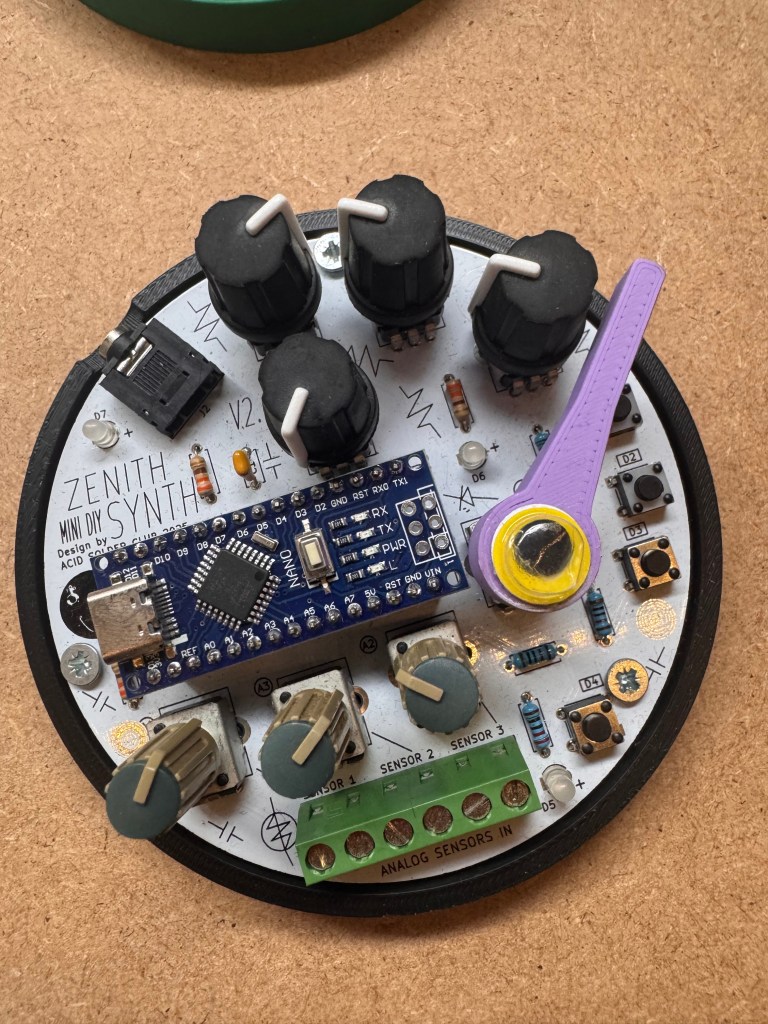
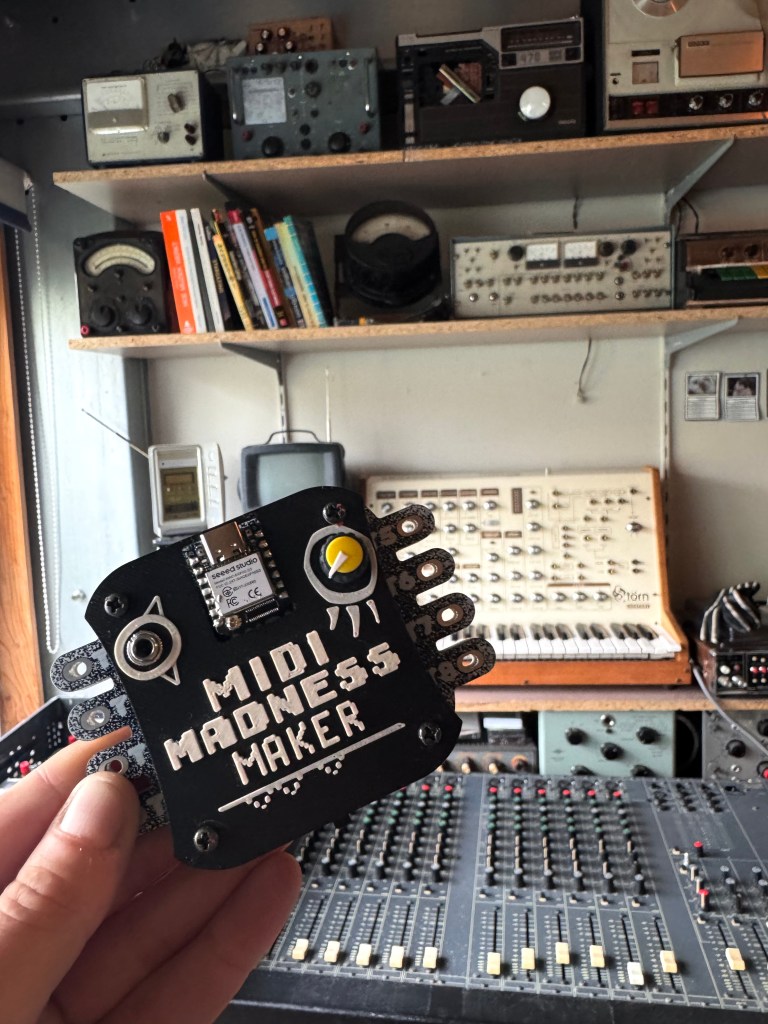
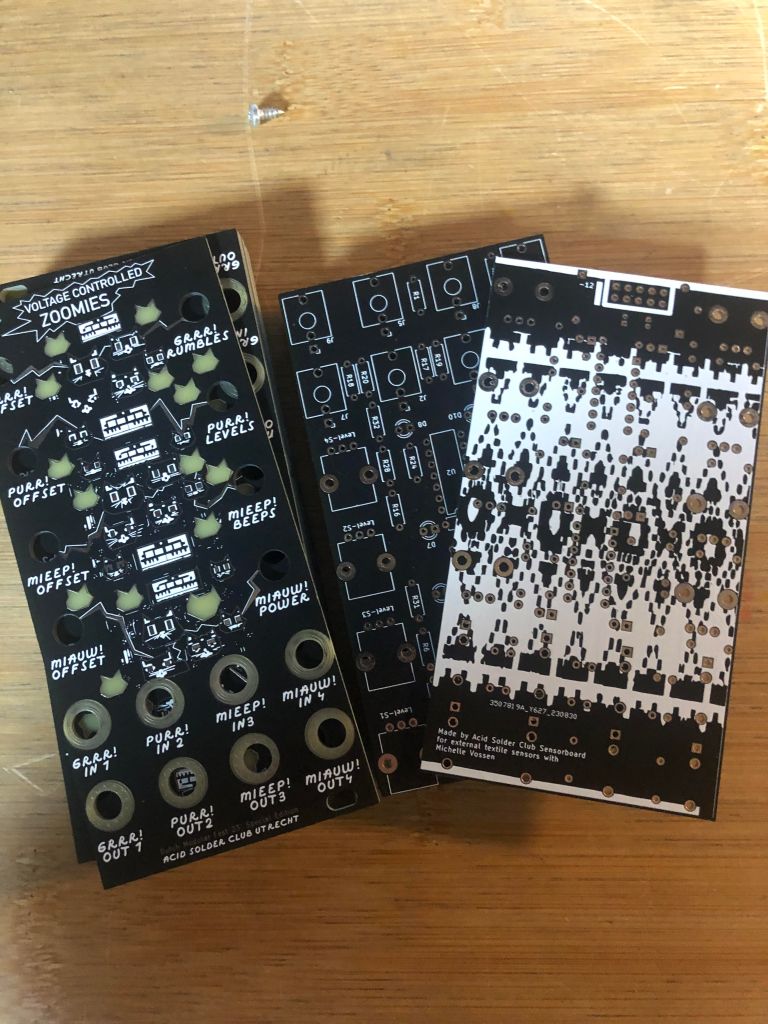
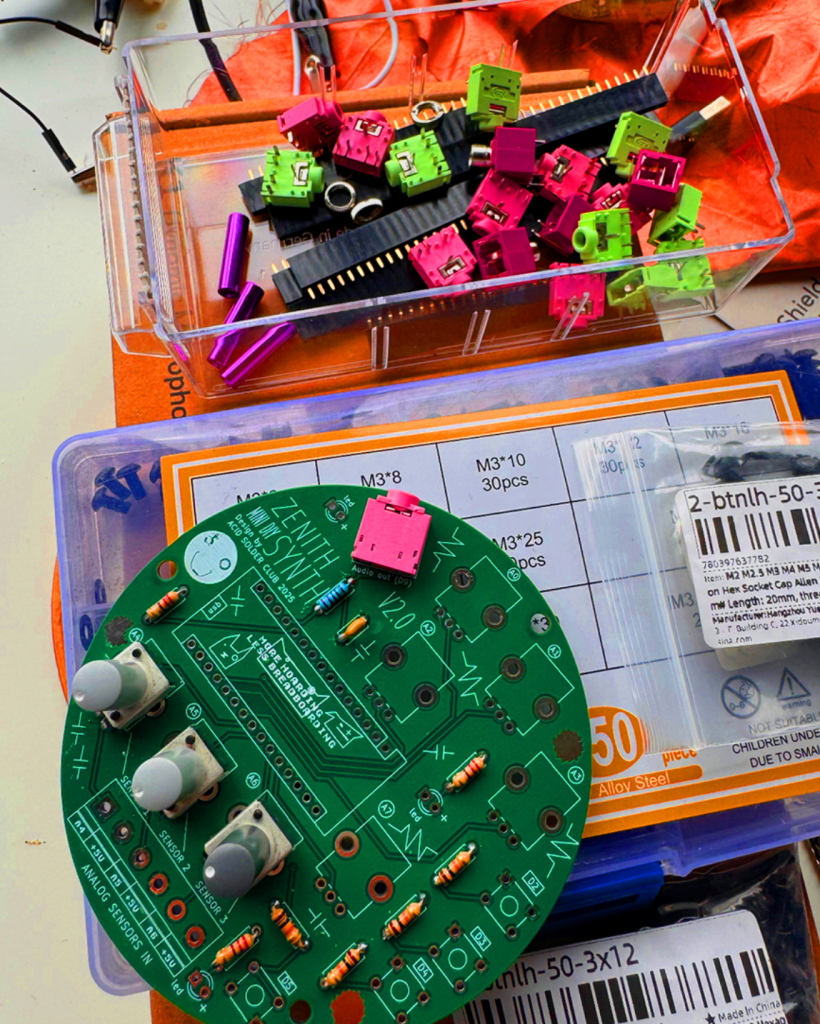
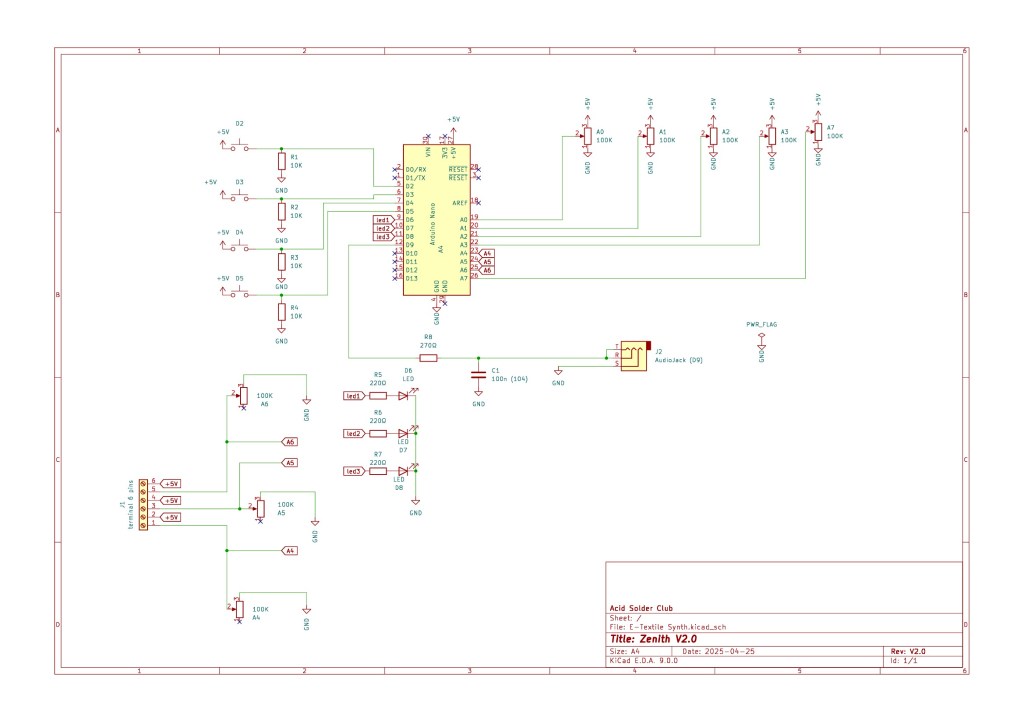
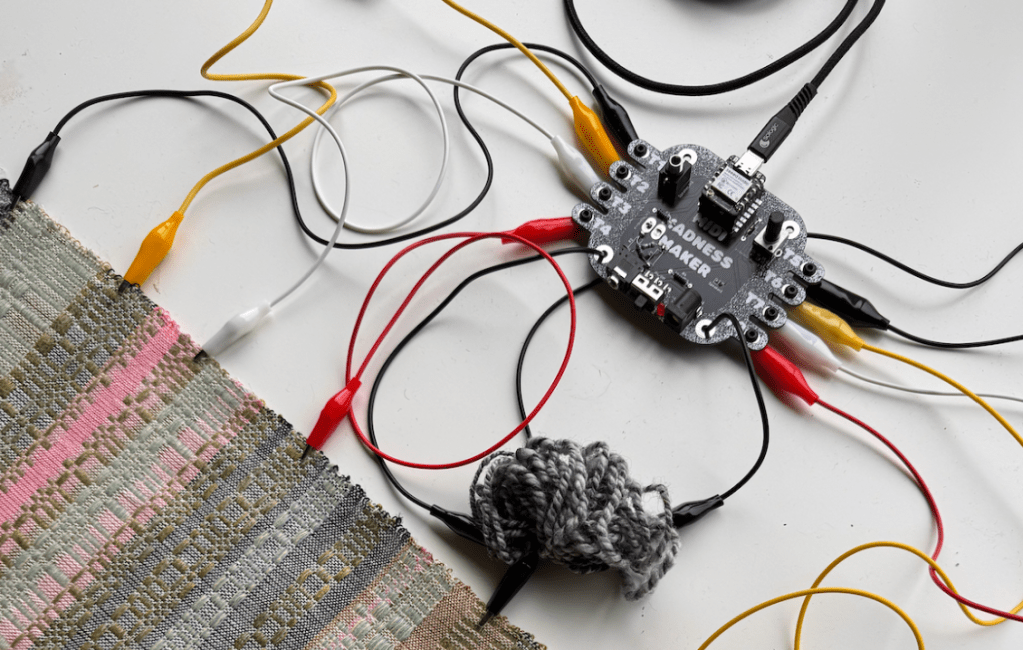
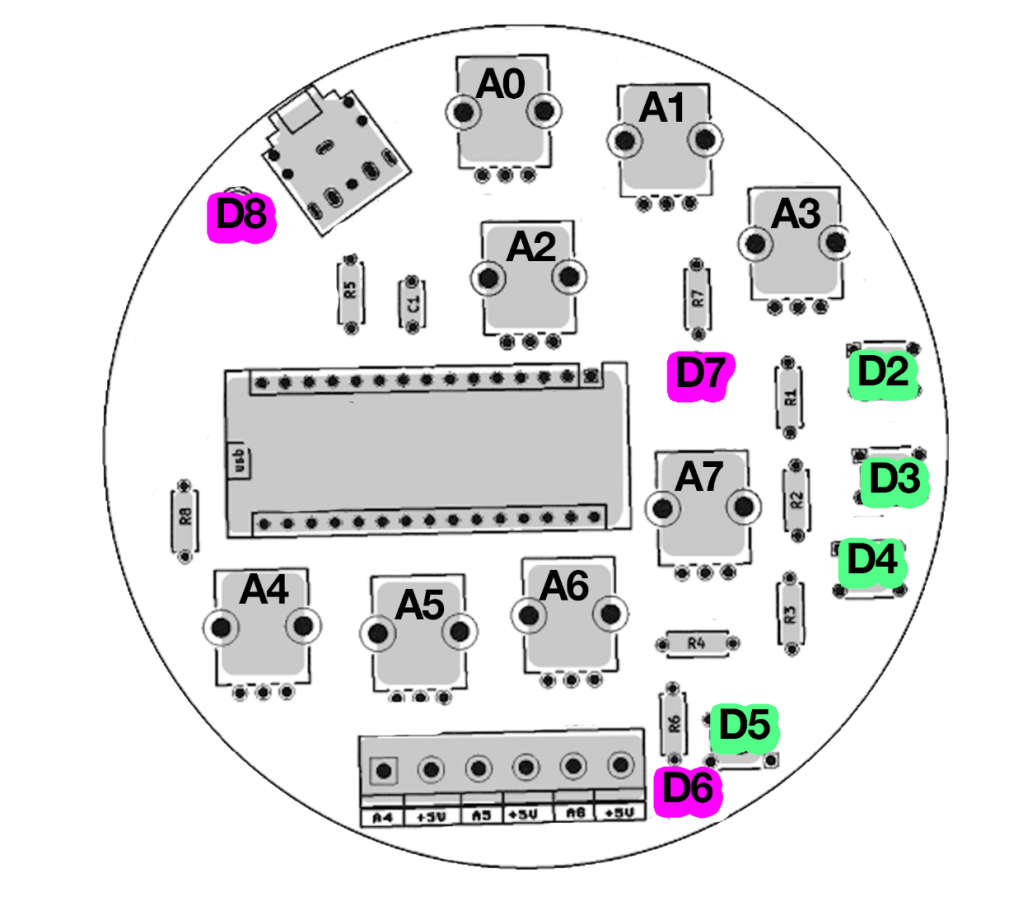
- Lot’s of user examples and designed PCB’S from Acid Solder Club to examine
The workshop is suited for those who already have some prior knowledge in basics of electronics and components. This is not a beginner electronics workshop, but if you can read and understand basic schematic knowledge and circuit design it should be ok. When in doubt, contact Veerle on http://www.acidsolderclub.com for checking if this is something for you.
Practical info
These are 2 separate workshops, both workshops will be held in ENGLISH, but if your English is not so good, we can translate a bit in between course blocks when needed.
- Coffee, Tea and Cookies included, bring your own Lunch!
- All day long hands-on workshop with time for Q&A at the end.
- For this workshop you need a PC with MacOS or Windows, and install the latest version of KICAD V9.0. via https://www.kicad.org/download/. preferable beforehand, otherwise make sure to be in time or arrive 10 mins earlier to install KICAD if your unsure of installing.
- Location is Hof van Cartesius, Vlampijpstraat 94, Utrecht. It’s a short walking distance from Station Zuilen or OV biking/bus distance from Utrecht Central Station. Parking is free between 11:00-06:00 in Vlampijpstraat.
REGULAR PRICE €65,-
STUDENT PRICE €50,-
Workshop limited in space (8 people) for small class courses.